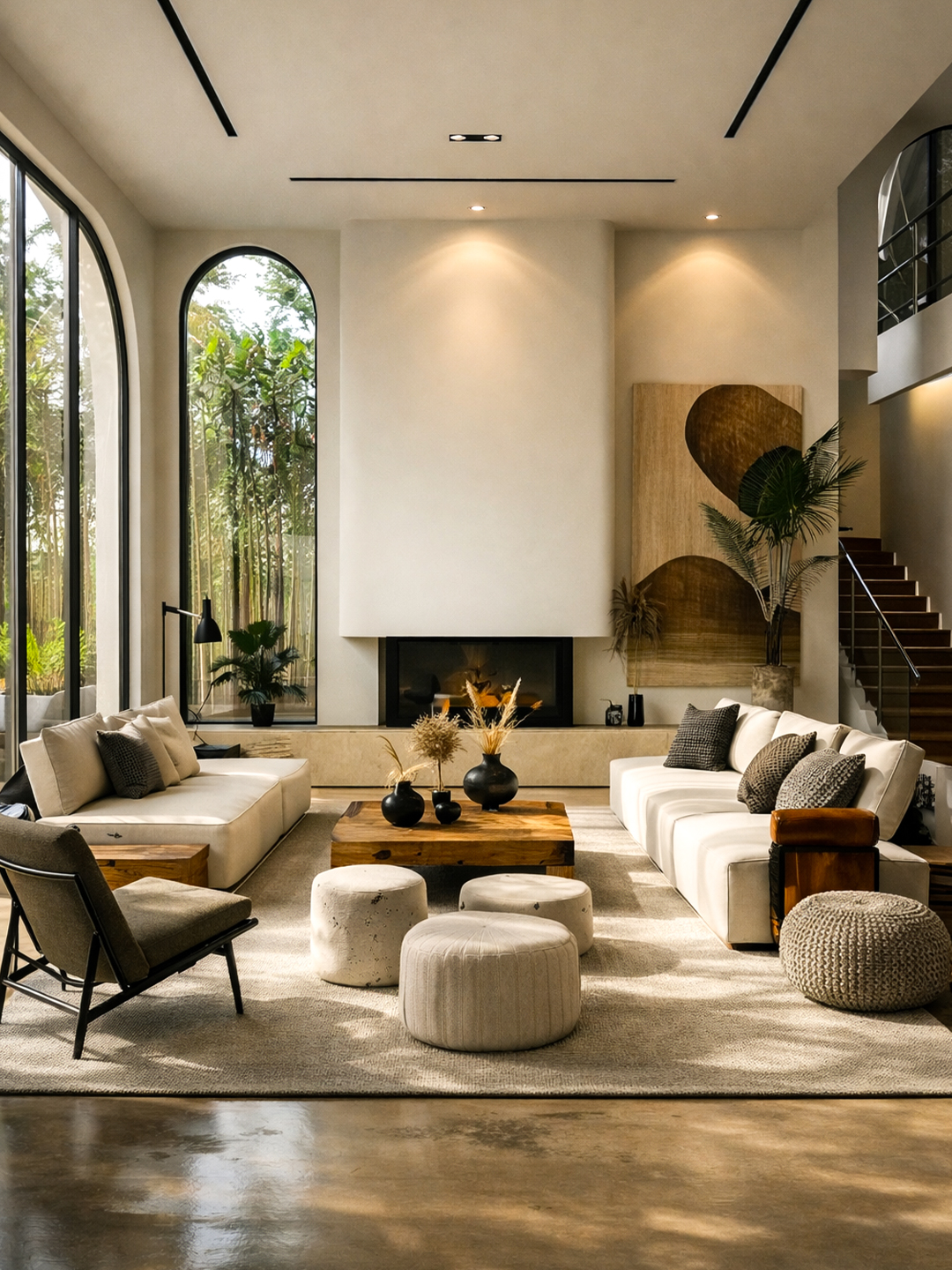
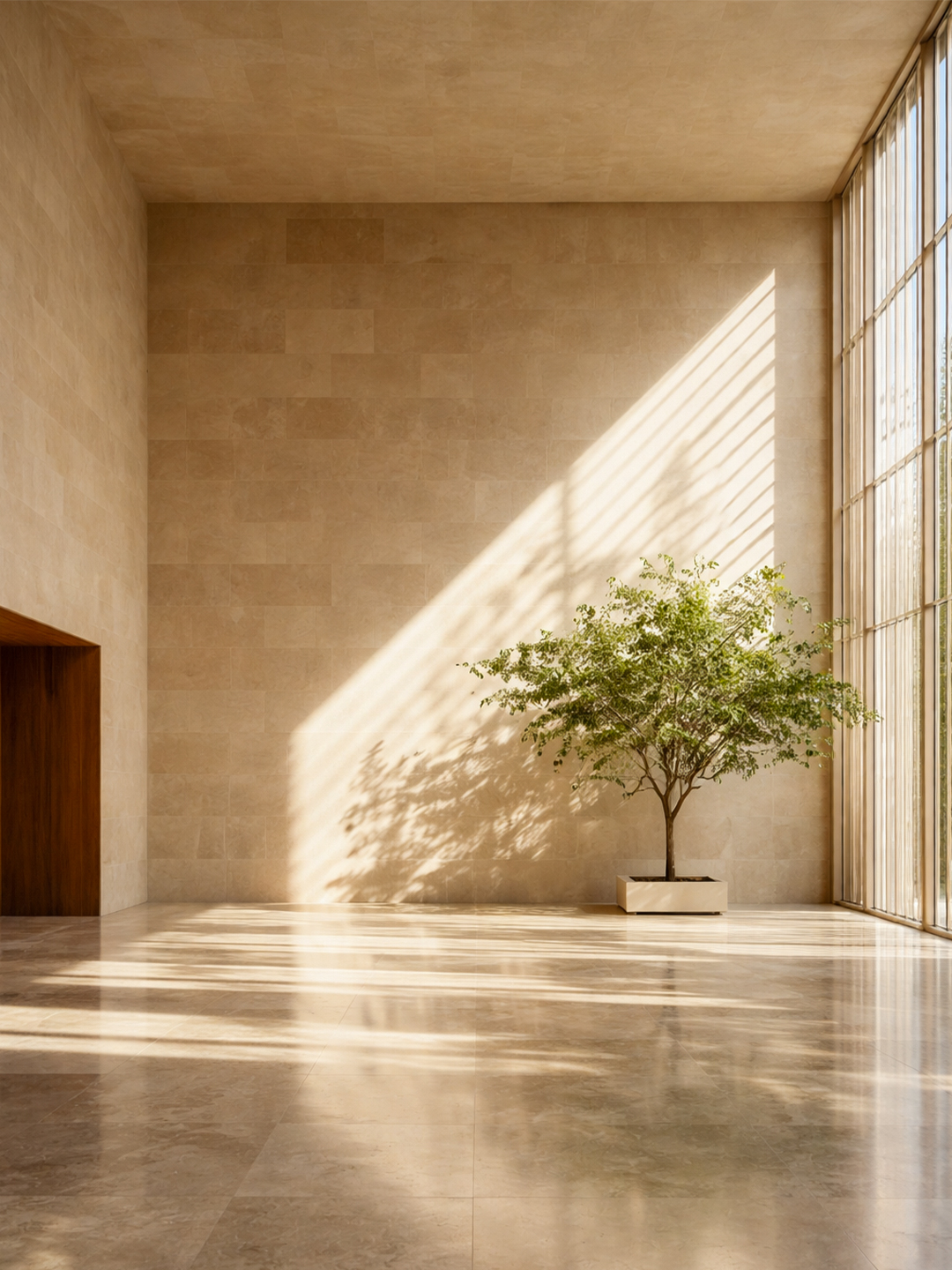
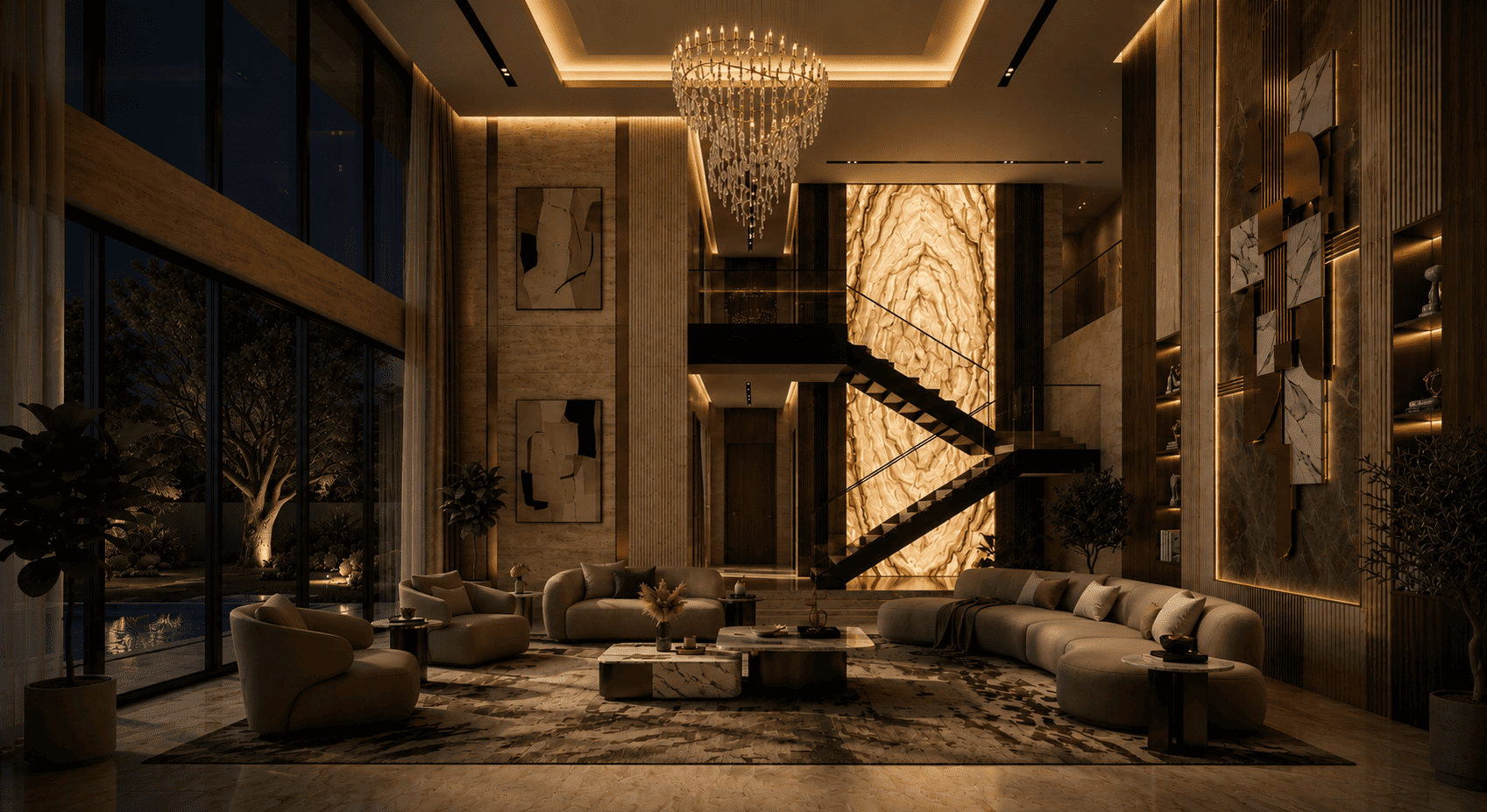
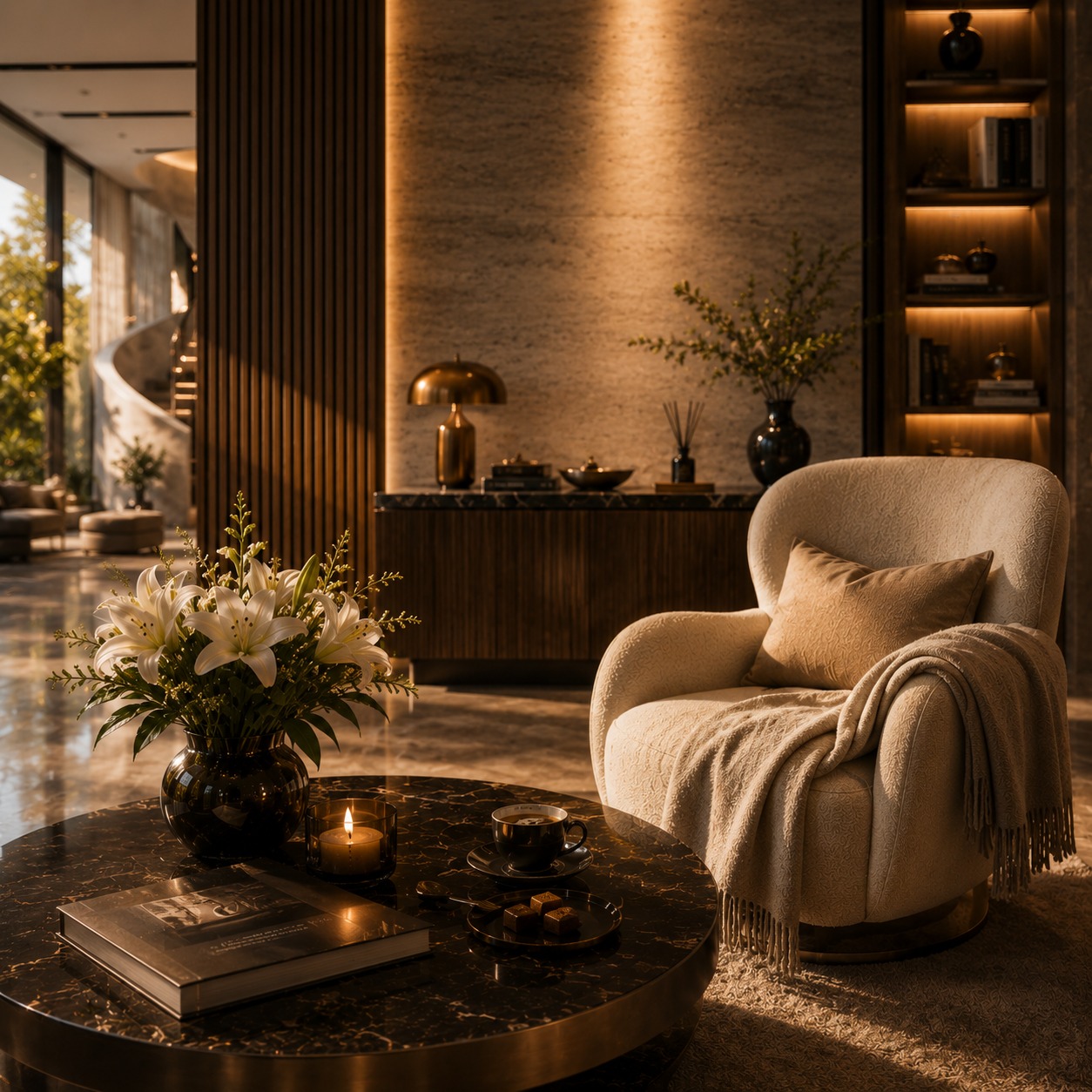
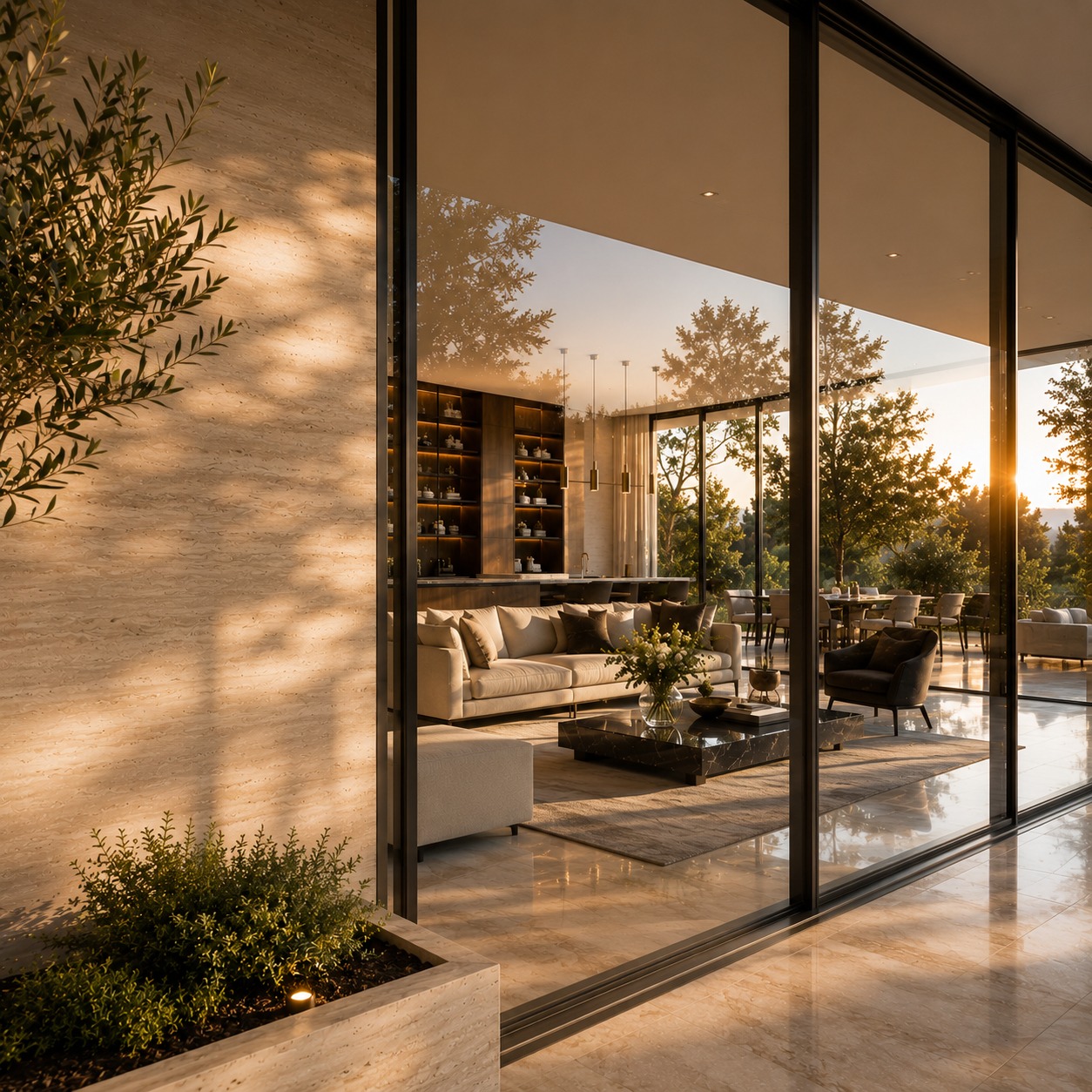
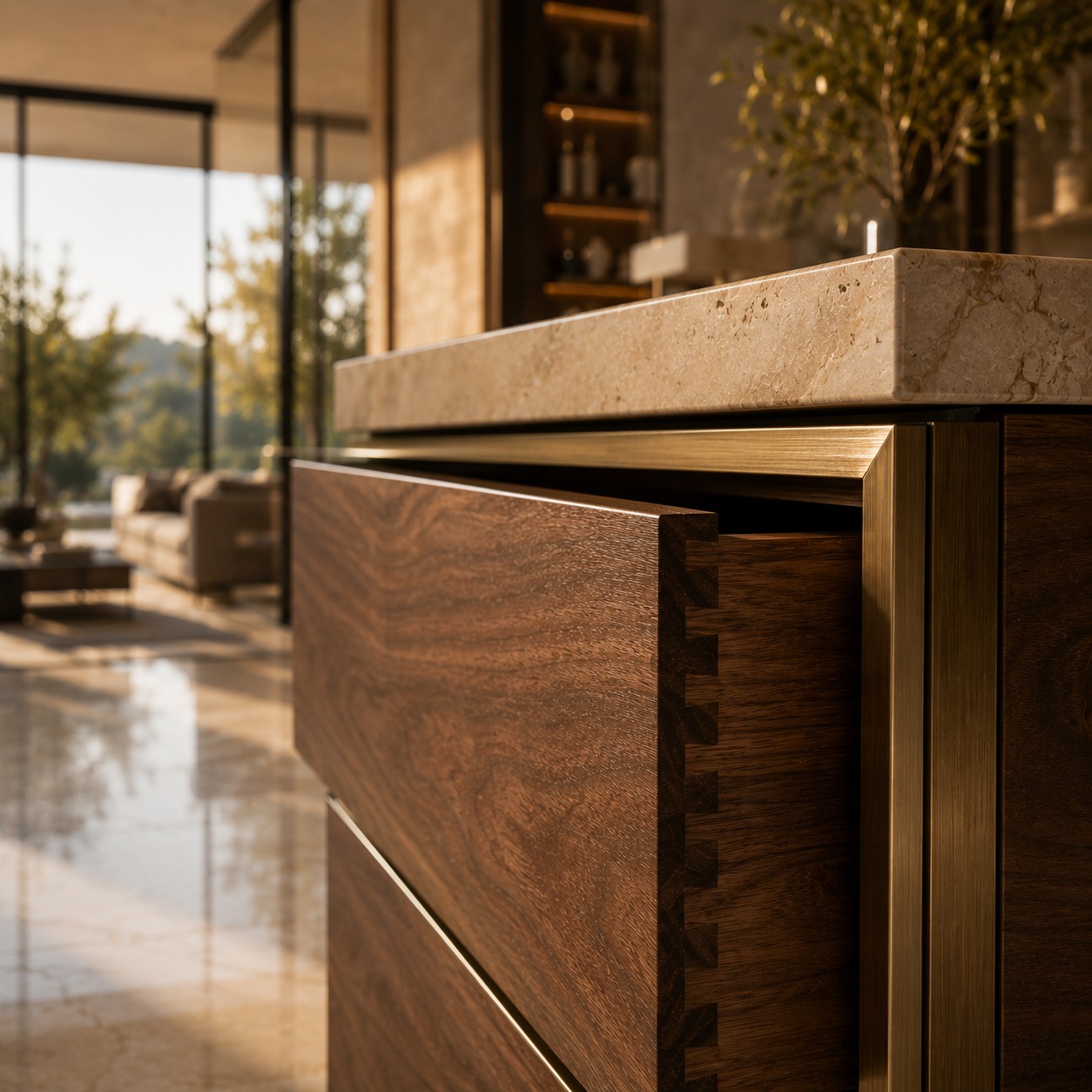
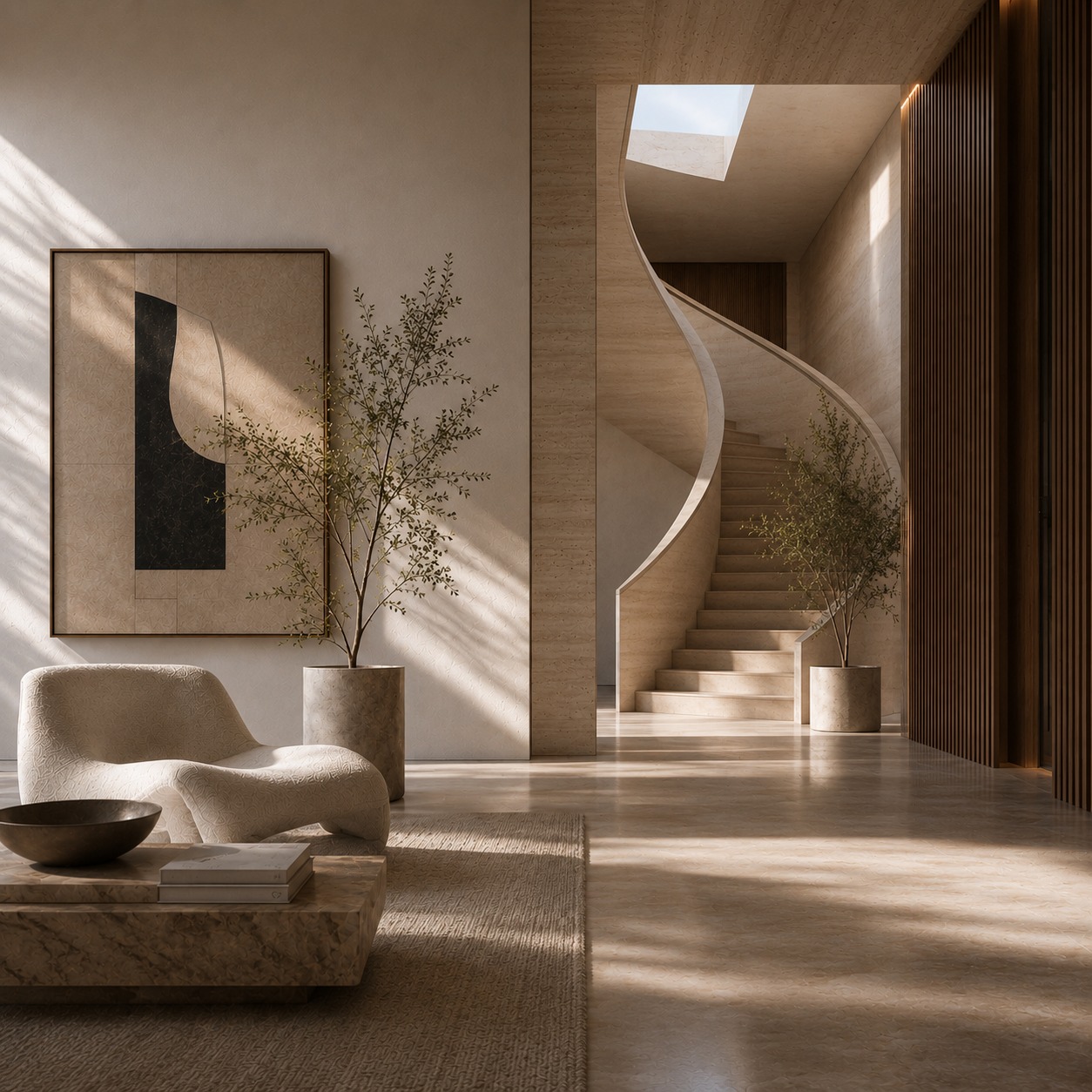
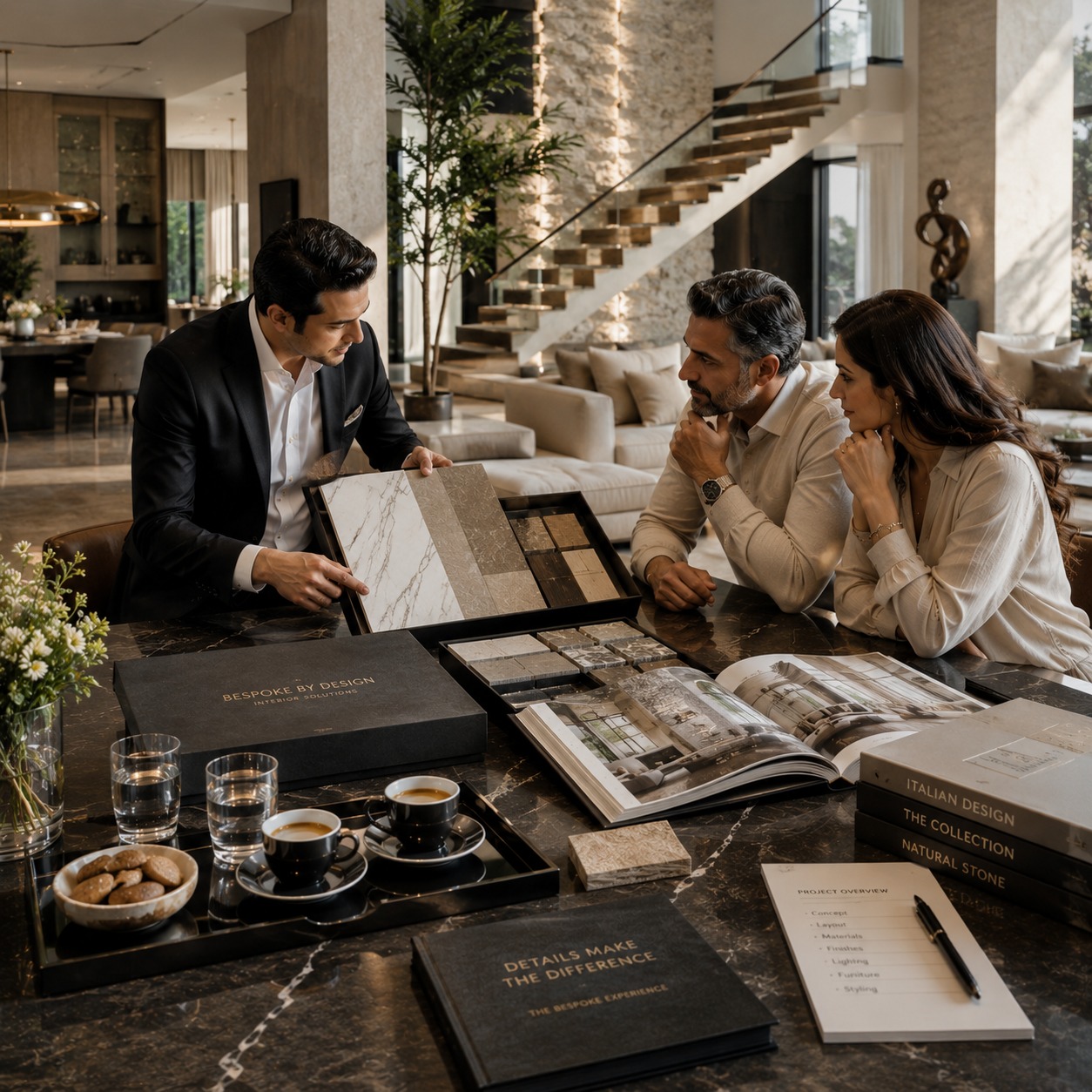
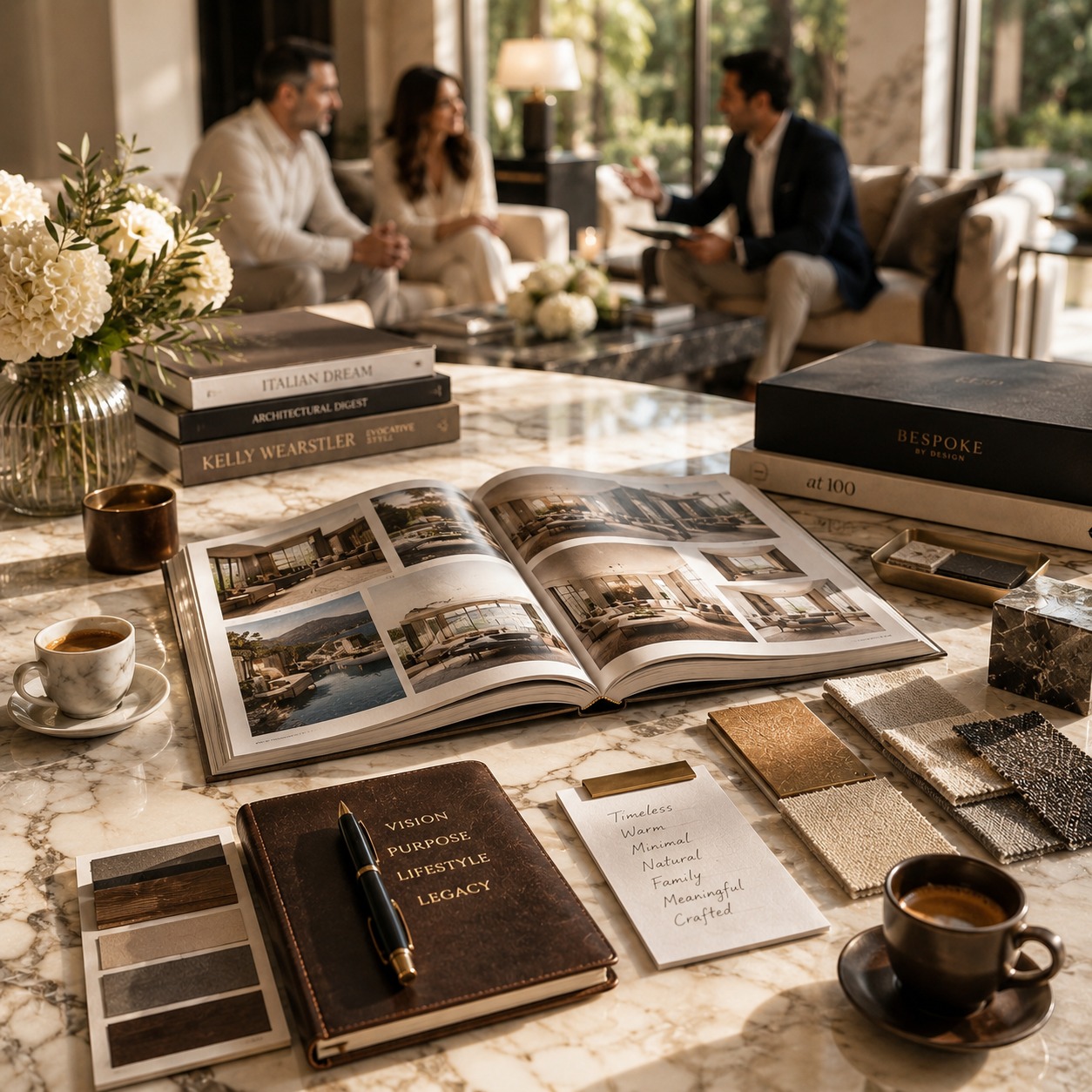
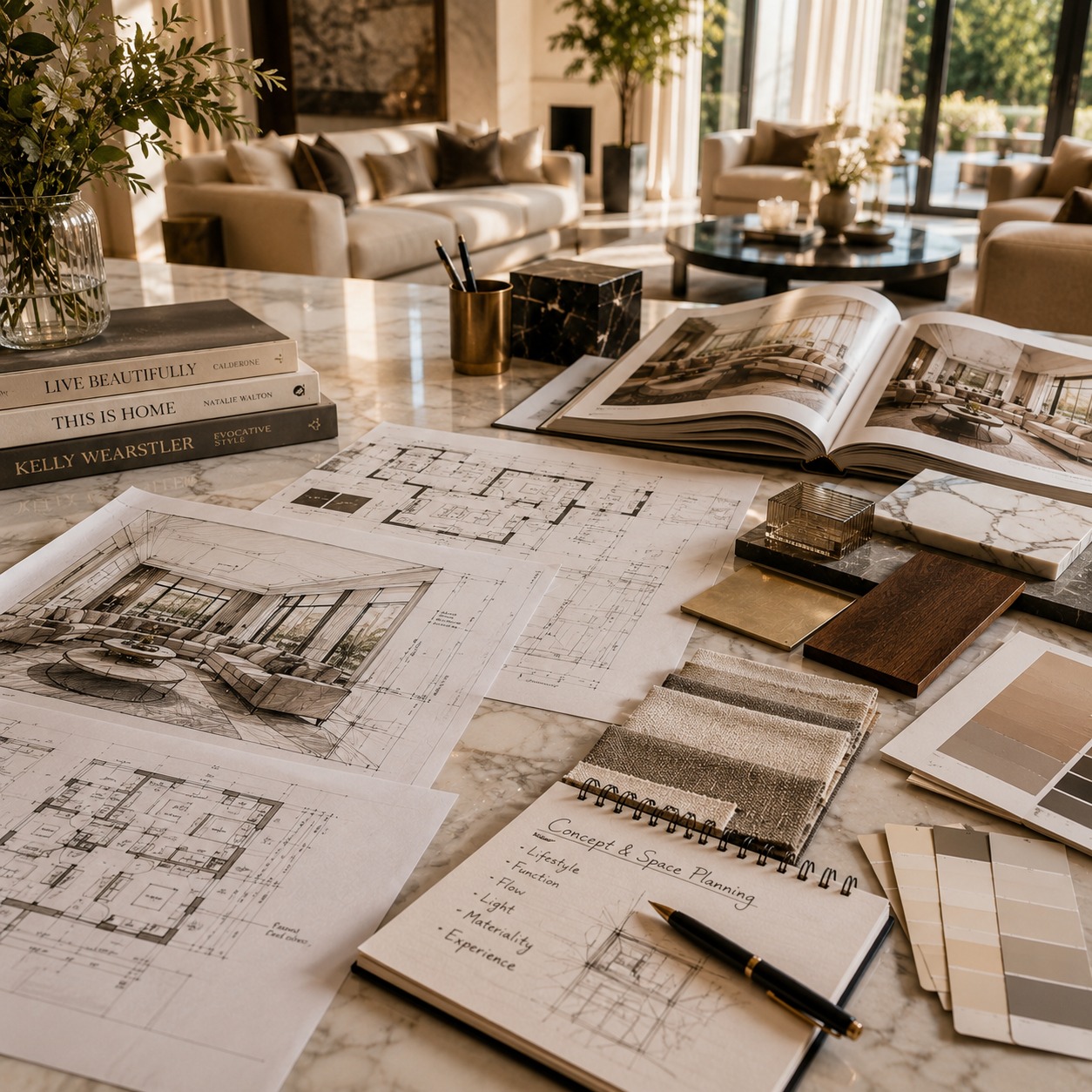
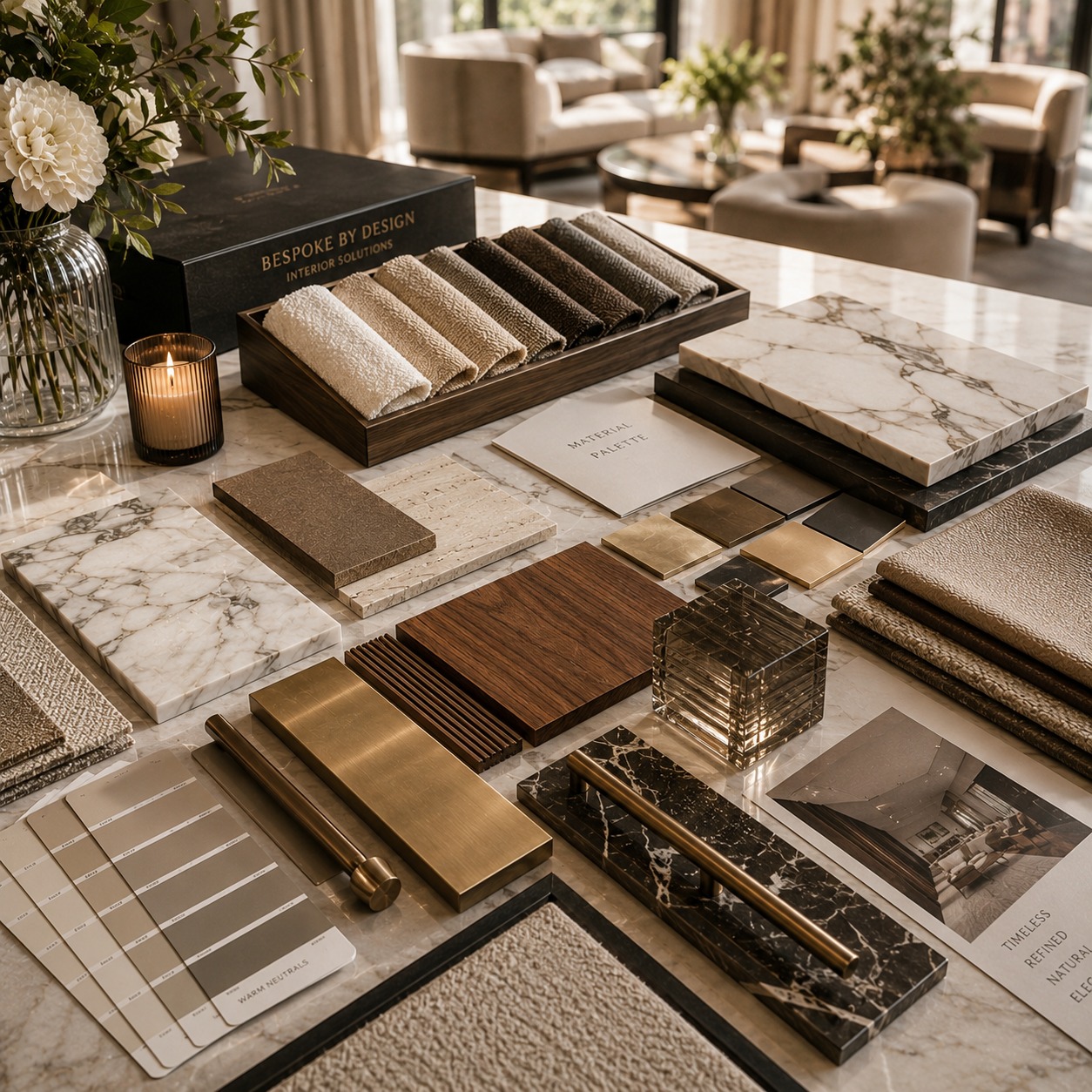
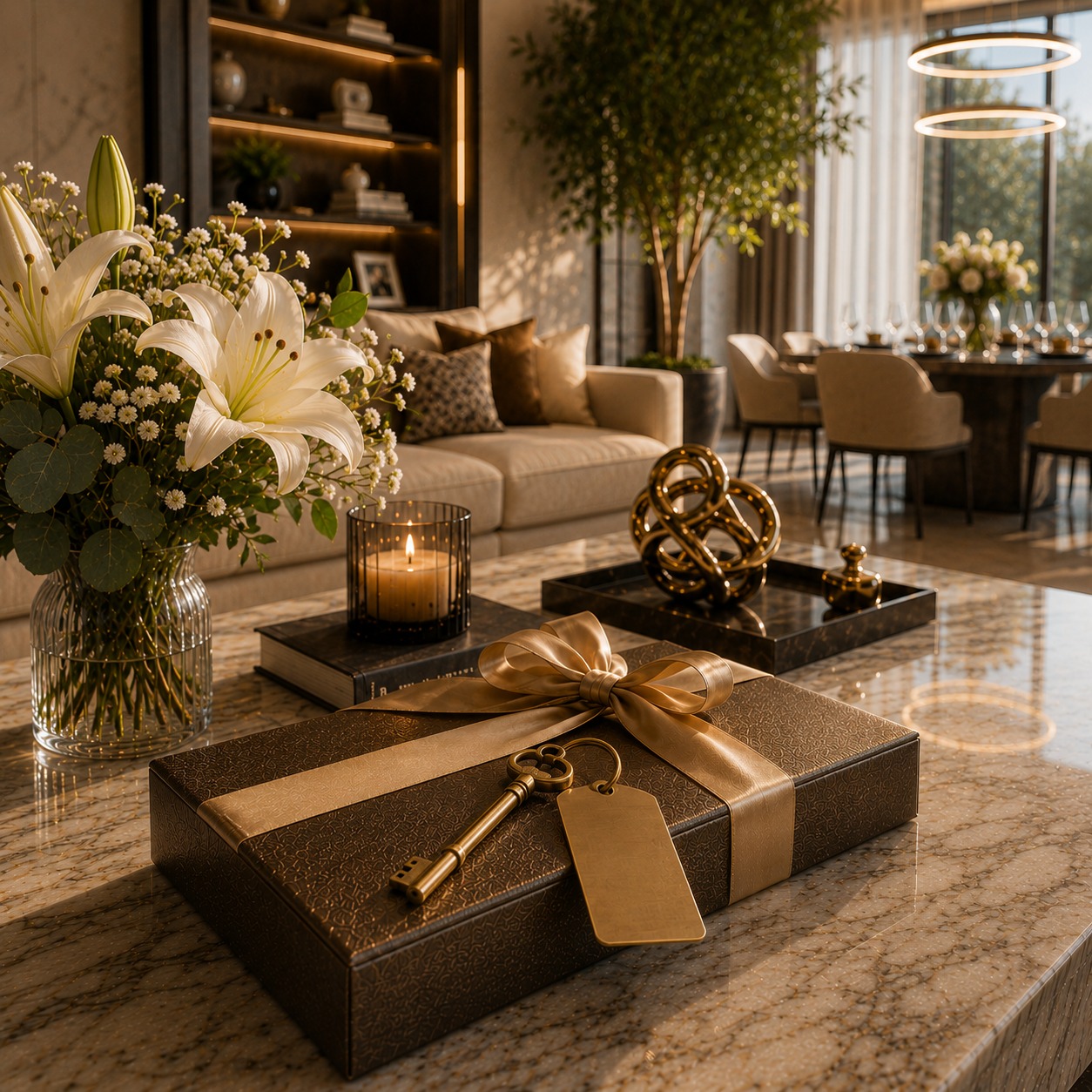
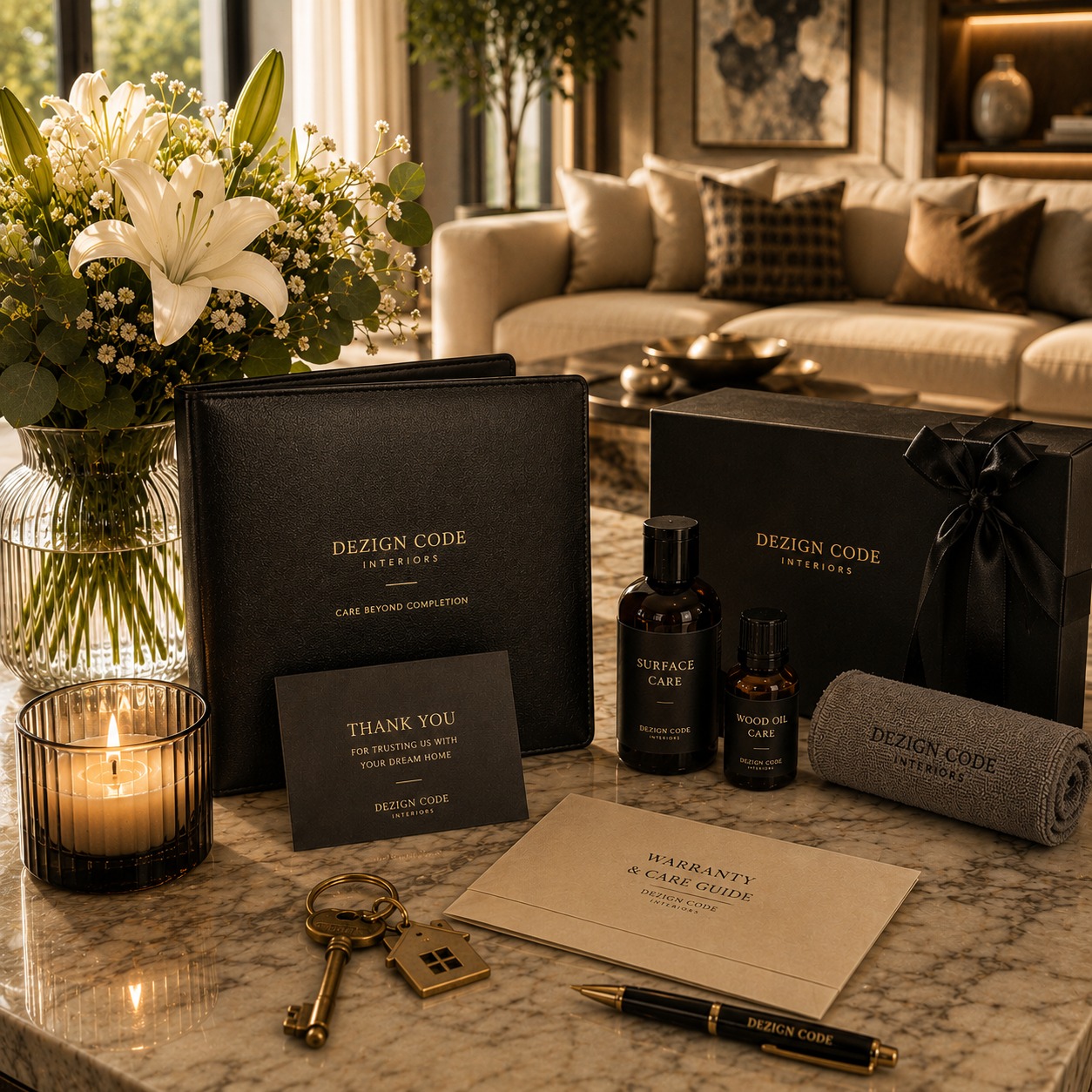
Every space we touch is built around one intention: that it be felt before it is understood. That it hold its presence years after the last coat of paint has dried.
Trust
Transparency
Craftmanship
Quality
Customer Experience
EXPERIENCE THE STANDARD,
EXPERIENCE DEZIGN CODE.
It is felt in the silence of a room that works, in the material that rewards a second look, in the light at four in the afternoon.
Our values shape every decision-from concept to completion-ensuring interiors that reflect uncompromising quality, refined aesthetics, and the unique personality of every client.
Customer experience
Transparency
Craftmanship
Aesthetic vision
trust
White Clove Experience
Everything we do is designed to earn your trust every single day.
A Journey dezigned around you
Great interiors aren't just designed — they're decoded. Every material, every proportion, every finish is chosen not for how it looks on a mood board, but for how it holds meaning inside a space.
Vision Discovery
Concept & space planning
Curated Material Selection
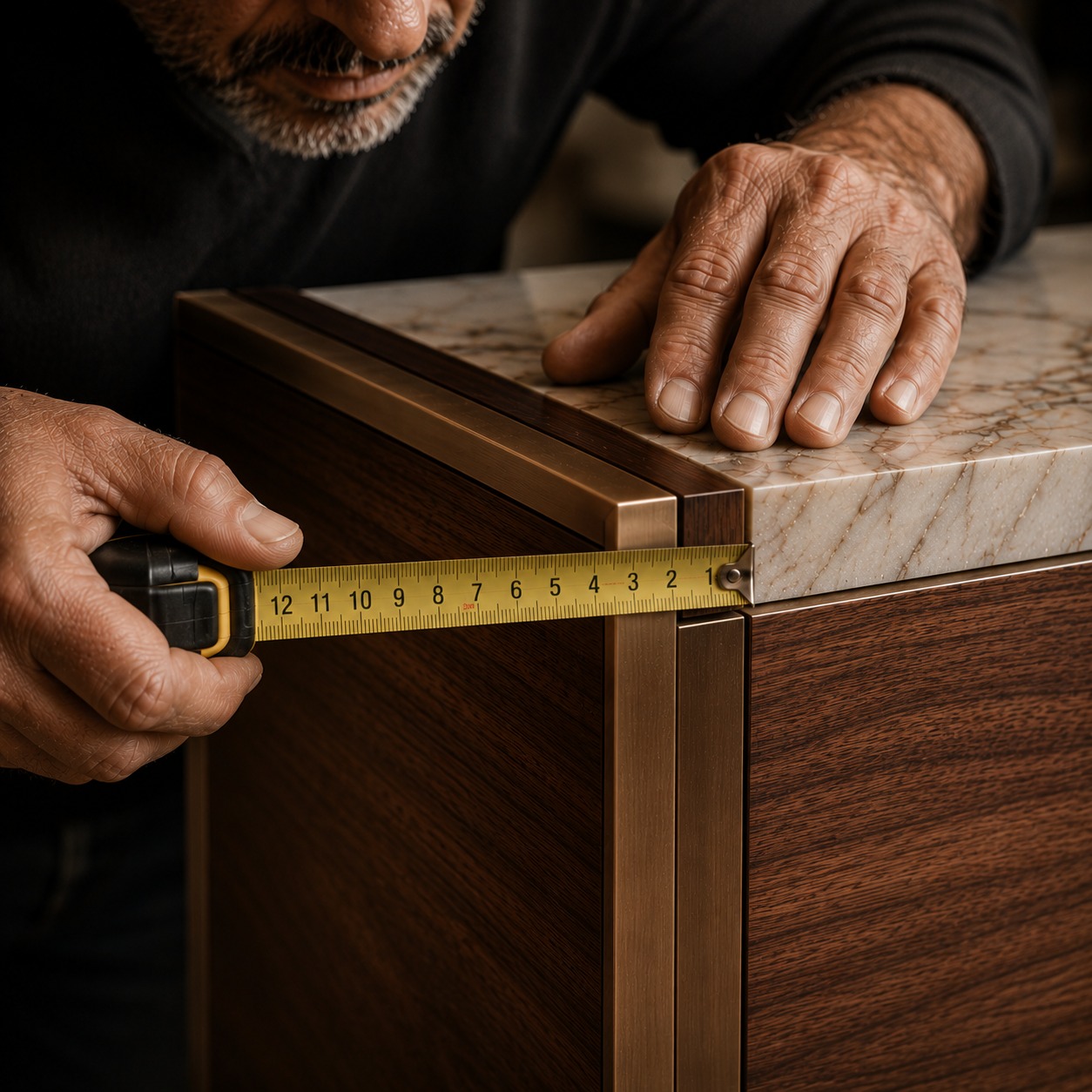
Precision Craftmanship
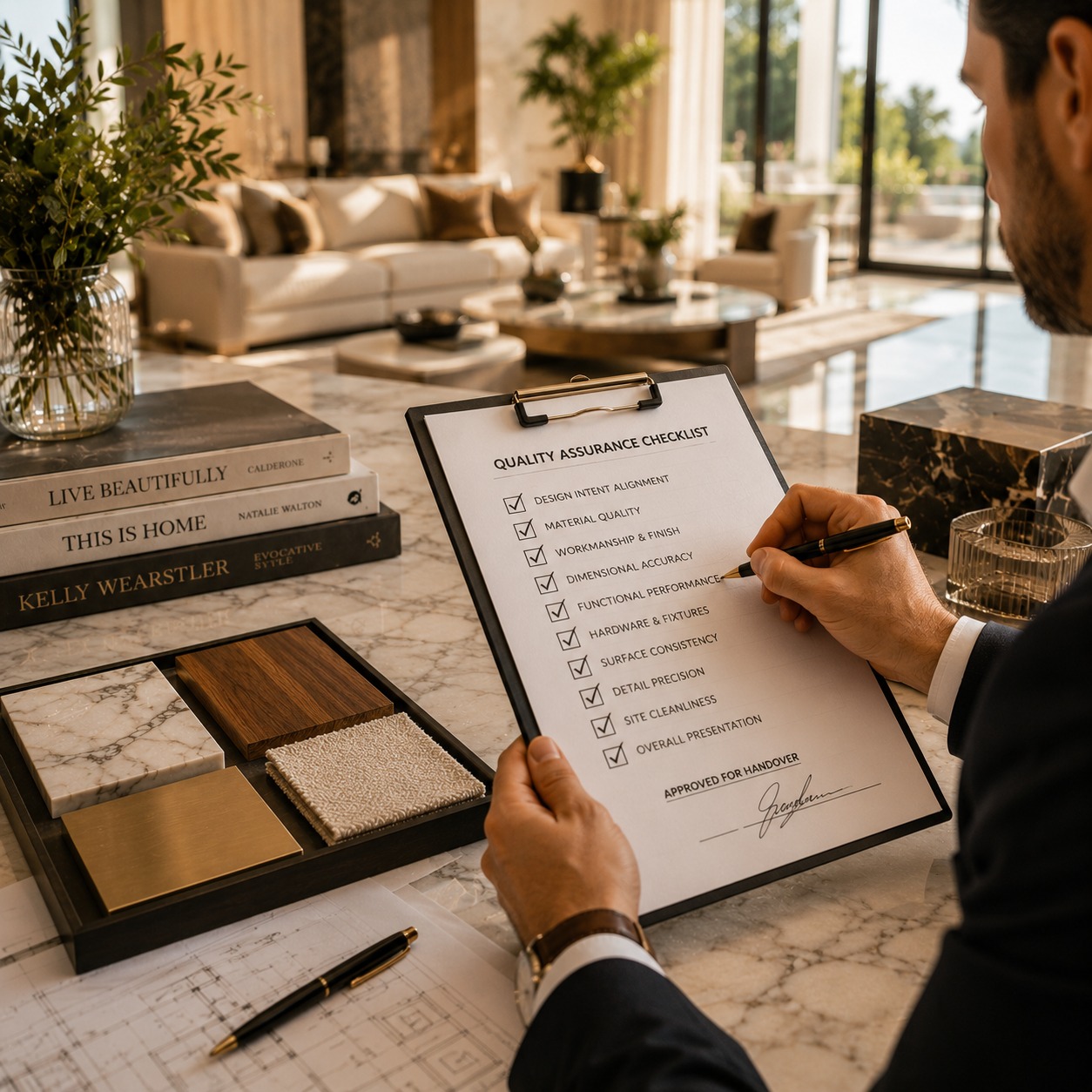
Quality Assurance
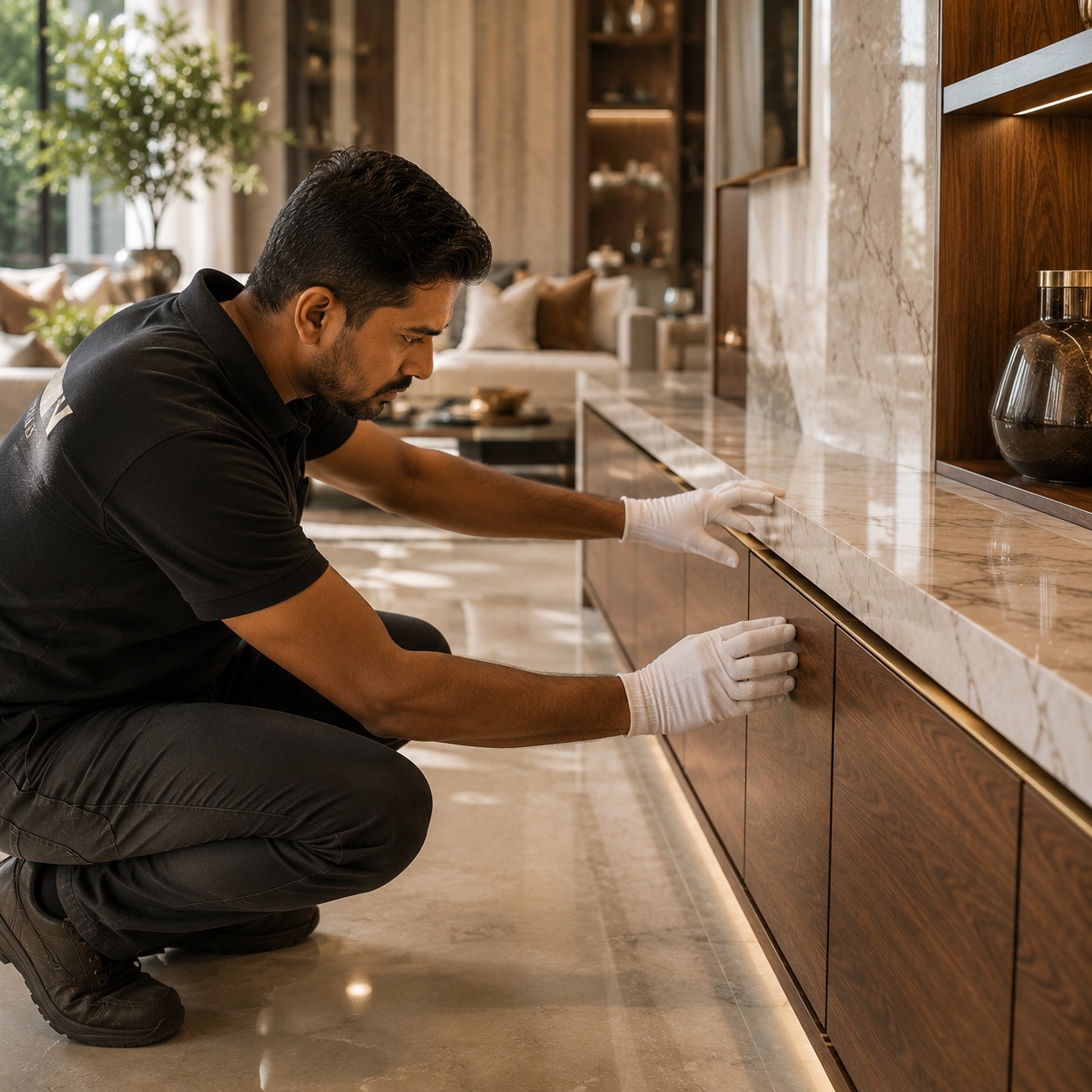
Flawless Installation
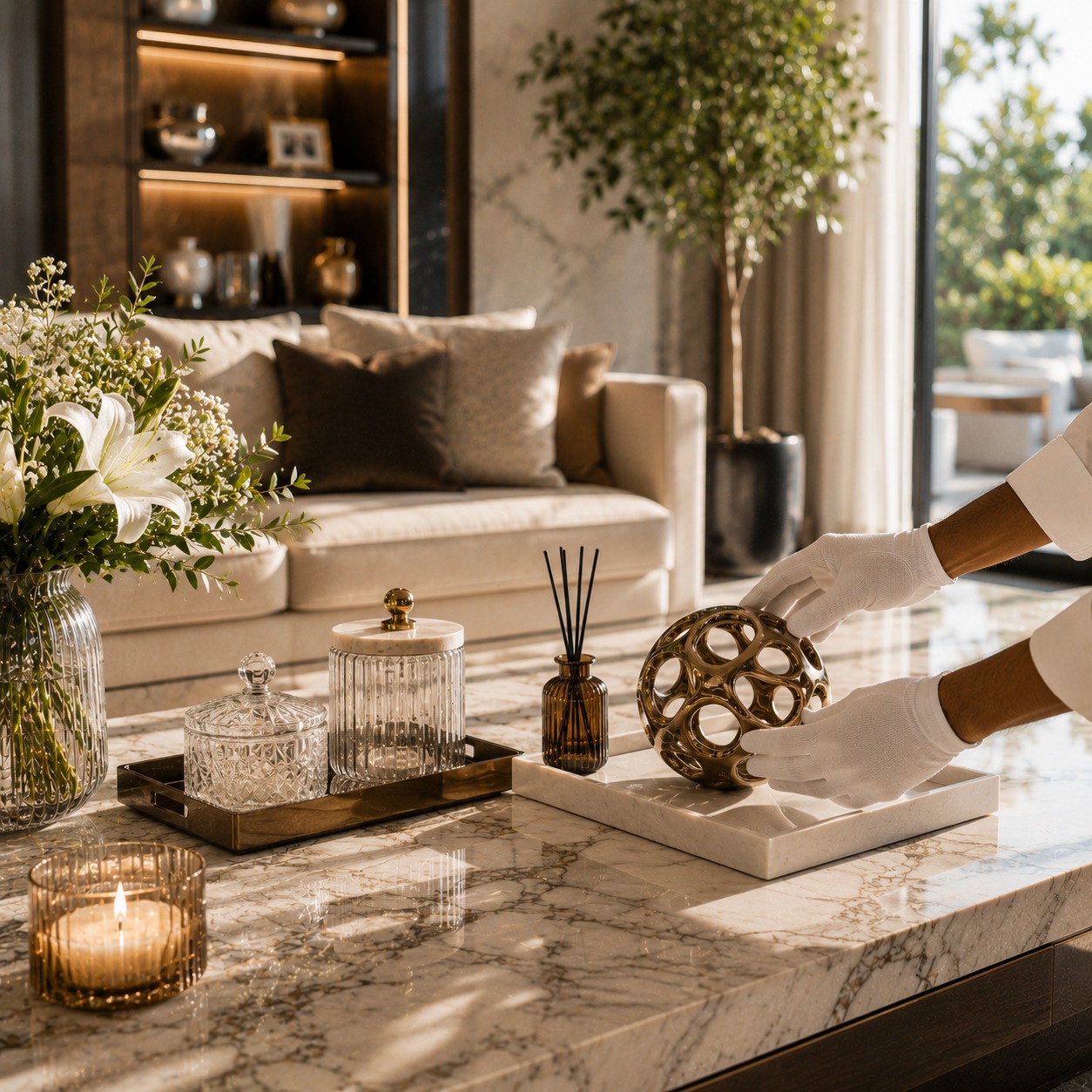
Final Styling & Inspection
Project Handover
Dedicated Aftercare
A Space That Bears Your Mark
The most powerful spaces are the ones that could only ever belong to one person. One family. One business.
Your vision. Our expertise.
Modal content is empty. This is sample content. You can change it anytime. Simply update your shortcode content to display here.
Read: modal windows will probably tell you something important so don't forget to read what they say.
A vision is only as good as the hands that carry it forward.
At Dezign Code, we own the process completely — every supplier, every timeline, every site decision — so that what arrives at handover is exactly what was imagined at the start. Not a compromise. Not an approximation.
From first concept to final handover, Sapphire Studios delivers bespoke interiors through thoughtful design, precise execution, and uncompromising standards.
Trusted for Our Execution.
From first-time fit-outs to landmark projects — the names that trust Dezign Code are the names that take their spaces seriously.
EXPERIENCE THE STANDARD,
EXPERIENCE DEZIGN CODE.
It is felt in the silence of a room that works, in the material that rewards a second look, in the light at four in the afternoon.
Everything you need to know – delivered with clarity and care.
WHAT SERVICES DOES DEZIGN CODE OFFER?
A full spectrum — from the first concept sketch to the final handover. Space planning, material curation, lighting design, bespoke furniture, and complete turnkey execution. We work across residential and commercial spaces, and we manage every layer of the process so you don’t have to.
DO YOU PROVIDE END-TO-END TURNKEY EXECUTION?
Yes. One point of contact. Complete accountability. Design, procurement, contractors, timelines — all handled. You stay informed. We carry the weight.
Can I customise my interiors to suit my lifestyle?
Every project at Dezign Code begins with understanding how you live — not just what you like. We design around your rhythms, your routines, and the life you want the space to hold. Nothing is off the shelf. Everything is considered.
How involved will I be during the design process?
As much or as little as you’d like. Some clients are present at every milestone. Others trust us to lead completely. We design the process around you — not the other way around.
Do you offer private consultations at your experience center?
Yes. We invite prospective clients to visit our Experience Centre — where materials, finishes, and completed project work can be seen and felt in person. It’s the best first conversation we know how to have.
WHAT MAKES DEZIGN CODE DIFFERENT FROM OTHER INTERIOR FIRMS?
We don’t design for portfolios. We design for people. Every decision is made with longevity in mind — not what photographs well, but what holds its presence four years from now, ten years from now. Claims are cheap. Come and see the work.
Let’s create something extraordinary.
The right space begins with the right conversation.
Not a form. Not a quote. Just a conversation about what you’re imagining — and whether it’s something we can build together.